

Route Maker
Create your own walking routes with full control over the path
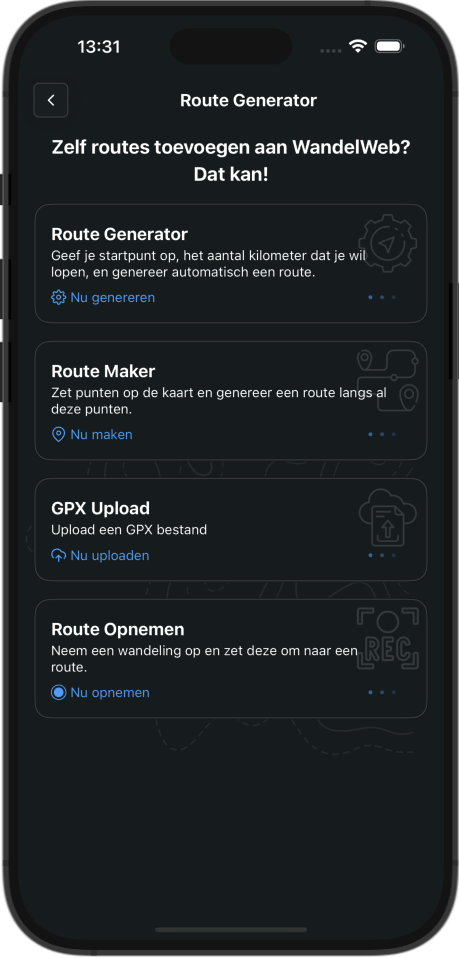
How it works
With Route Maker you have full control over your route. You decide where the route goes by placing points on the map. This feature is available without limits for Complete users.
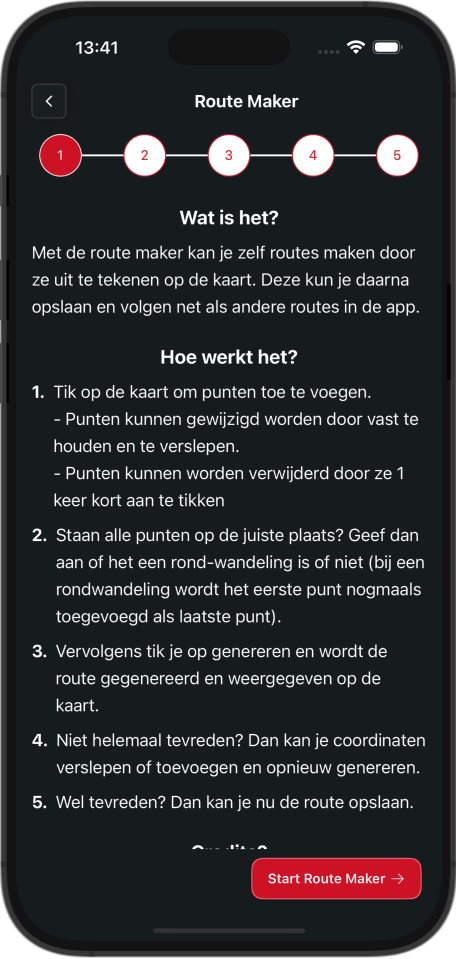
Create a route in 5 steps
1. Tap on the map to add points. You can drag points by holding them, or remove them by tapping briefly.
2. Choose whether you want a round trip. For round trips, the starting point automatically becomes the endpoint.
3. Tap generate to create your route.
4. Adjust the route by dragging points or adding new ones, and regenerate if needed.
5. Happy with it? Save your route!
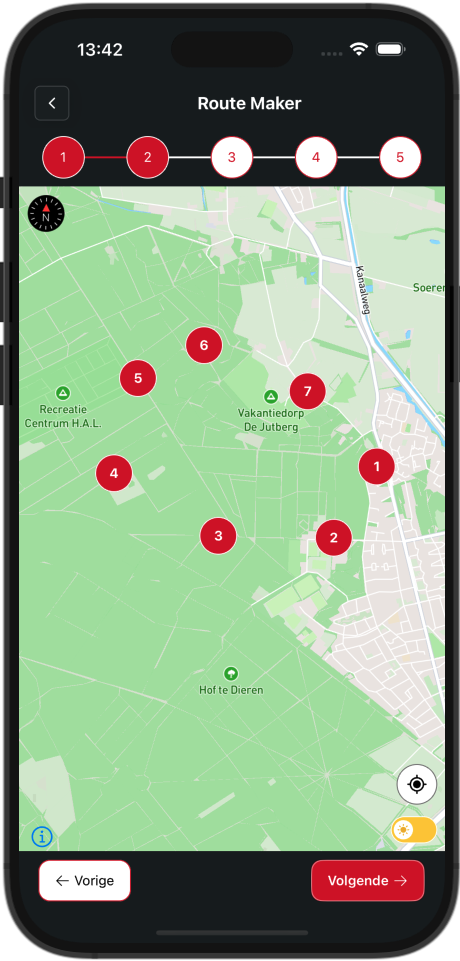
Place your route points
Place points on the map in the order you want to walk. The numbering helps you understand the sequence. Choose whether you want a round trip and see how many credits generation will cost.
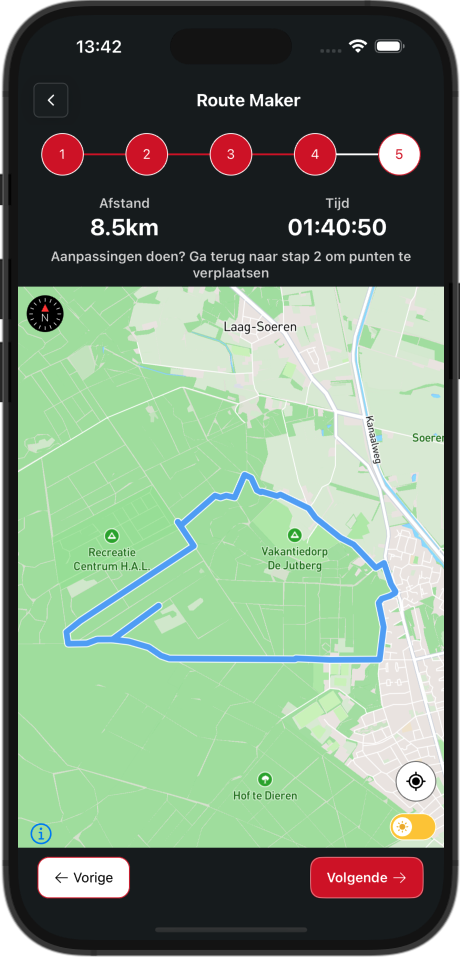
Preview your generated route
The generated route shows total distance and estimated walking time. Not satisfied? Adjust points and regenerate.
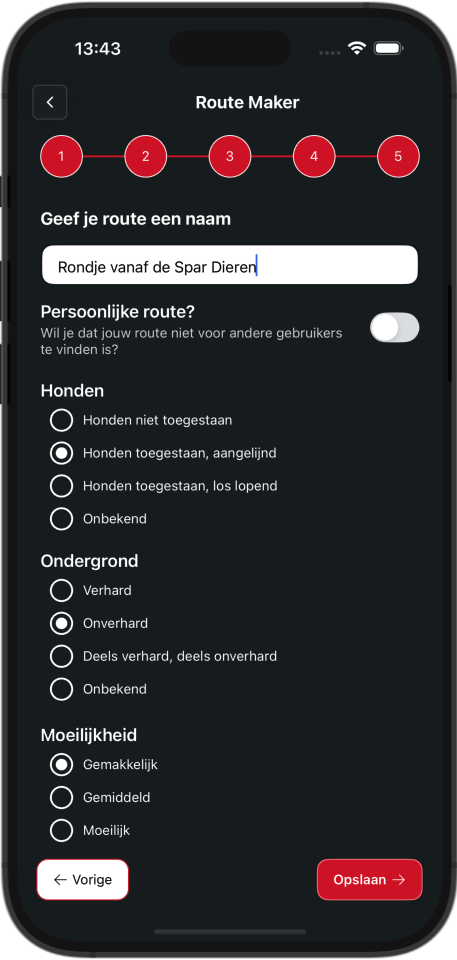
Save your route
Complete your route by adding extra information:
Give your route a fitting name
Specify whether dogs are welcome
Describe the type of surface
Indicate the difficulty level
Choose between a private or public route
Start creating your own routes
Download our app and discover the freedom of creating your own walking routes!
Complete functionality
Route Maker is available for Complete users. With a Complete subscription you get access to this and many other advanced features.



