

WandelWeb for your Apple Watch
Everything you need to navigate and record, within reach on your wrist. Your phone can stay in your pocket.
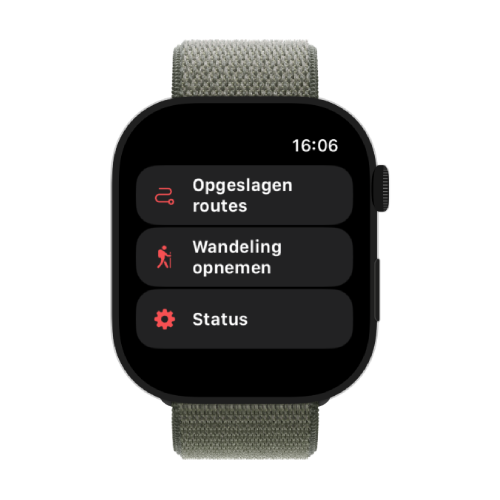
Saved routes on your wrist
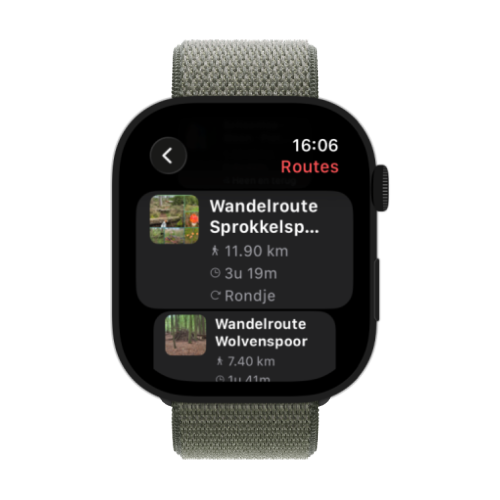
All your favourite routes are on your watch. Scroll through your list, tap one and view it on a map — with distance, duration and route info at a glance.
Routes always at hand
Your saved routes sync automatically to your watch
Quick choice
Scroll and tap — no phone hassle
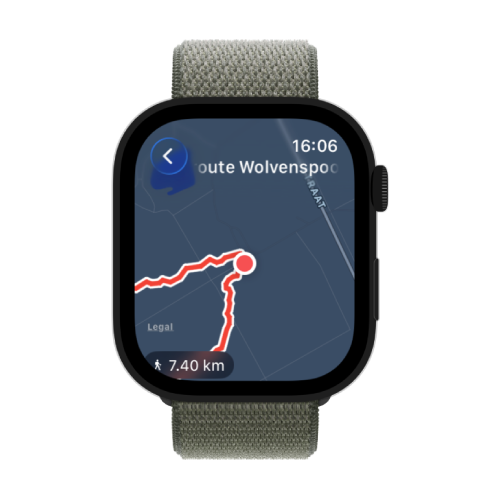
Route on the map
Open a route and see immediately if you are still on the path
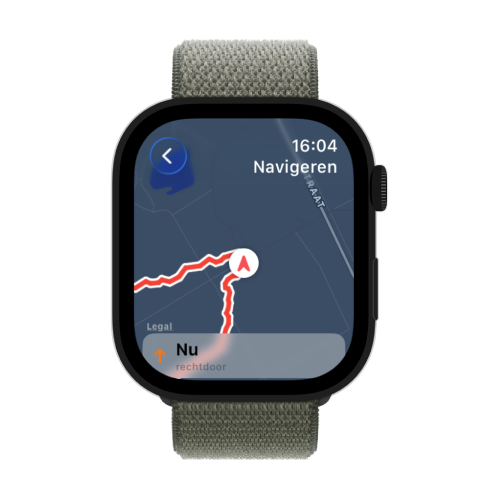
Turn-by-turn navigation
Follow every route with turn instructions on your wrist. The phone does the heavy lifting, but you get everything on your watch.
Turn instructions
See the next turn and distance on the map
Vibration on deviation
Feel and hear a notification if you leave the route
Record at the same time
Record your walk while you navigate
Recording walks
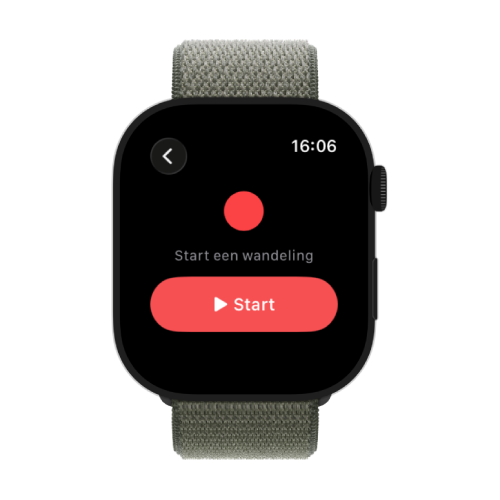
Start a recording directly on your watch and see live time, distance and pace. Your walk is saved as a workout in Apple Health.
Start on your wrist
One tap to begin your walk
Live statistics
Time, distance and pace while walking
Workout in Health
Safely stored in Apple Health
From watch to WandelWeb
Connect Apple Health once in the WandelWeb app. Your recorded walks then appear in WandelWeb automatically — often within a few seconds.
Prefer walking with Apple's Workout app or another app? As long as the walk ends up in Apple Health, WandelWeb imports it too.
-
1
Install the WandelWeb app
The Apple Watch app is installed automatically with the iPhone app.
-
2
Connect Apple Health
Profile → Settings → Connections → Apple Health.
-
3
Open the app on your watch
Allow location and health permissions when asked.
-
4
Walk and enjoy
View routes, record or navigate — your walks sync automatically.
Why WandelWeb on your wrist?
Hands free
Route map, recording and navigation on your wrist — your phone stays in your pocket.
One complete overview
All your walks in one place, whether you recorded with your watch or phone.
Reliable storage
Recordings are safe in Apple Health and are not lost if sync waits a moment.
Community & challenges
Your Apple Watch walks count towards challenges and badges in WandelWeb.
You need an Apple Watch with watchOS 10 or newer, paired with an iPhone with the WandelWeb app. The map on the watch uses Apple Maps.
Ready to walk with your Apple Watch?
Open the WandelWeb app, connect Apple Health and start on your watch. It only takes a few minutes.



