

Connexion Suunto officielle
Connectez votre compte Suunto et synchronisez automatiquement vos activités de randonnée avec WandelWeb. Officiellement approuvé par Suunto.
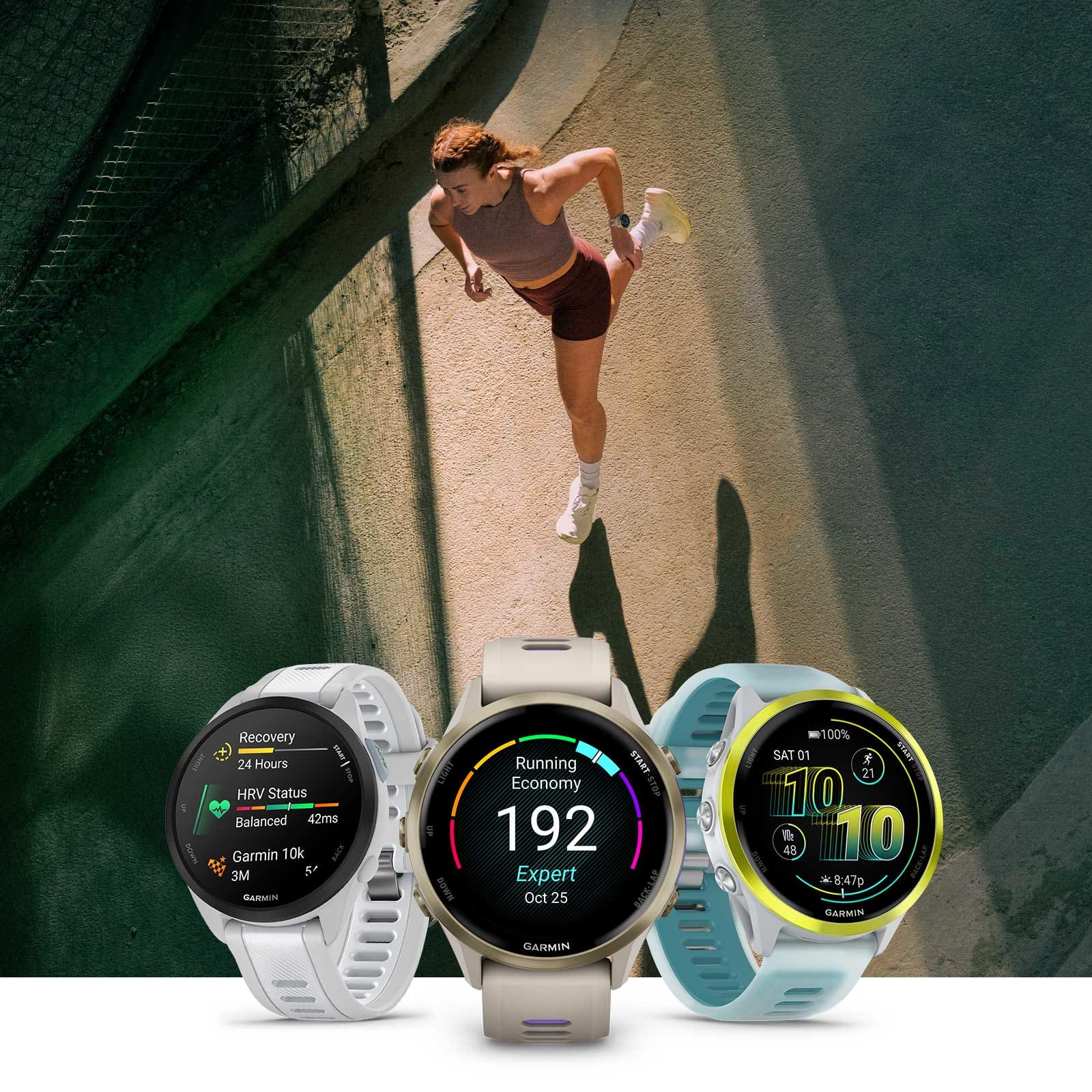
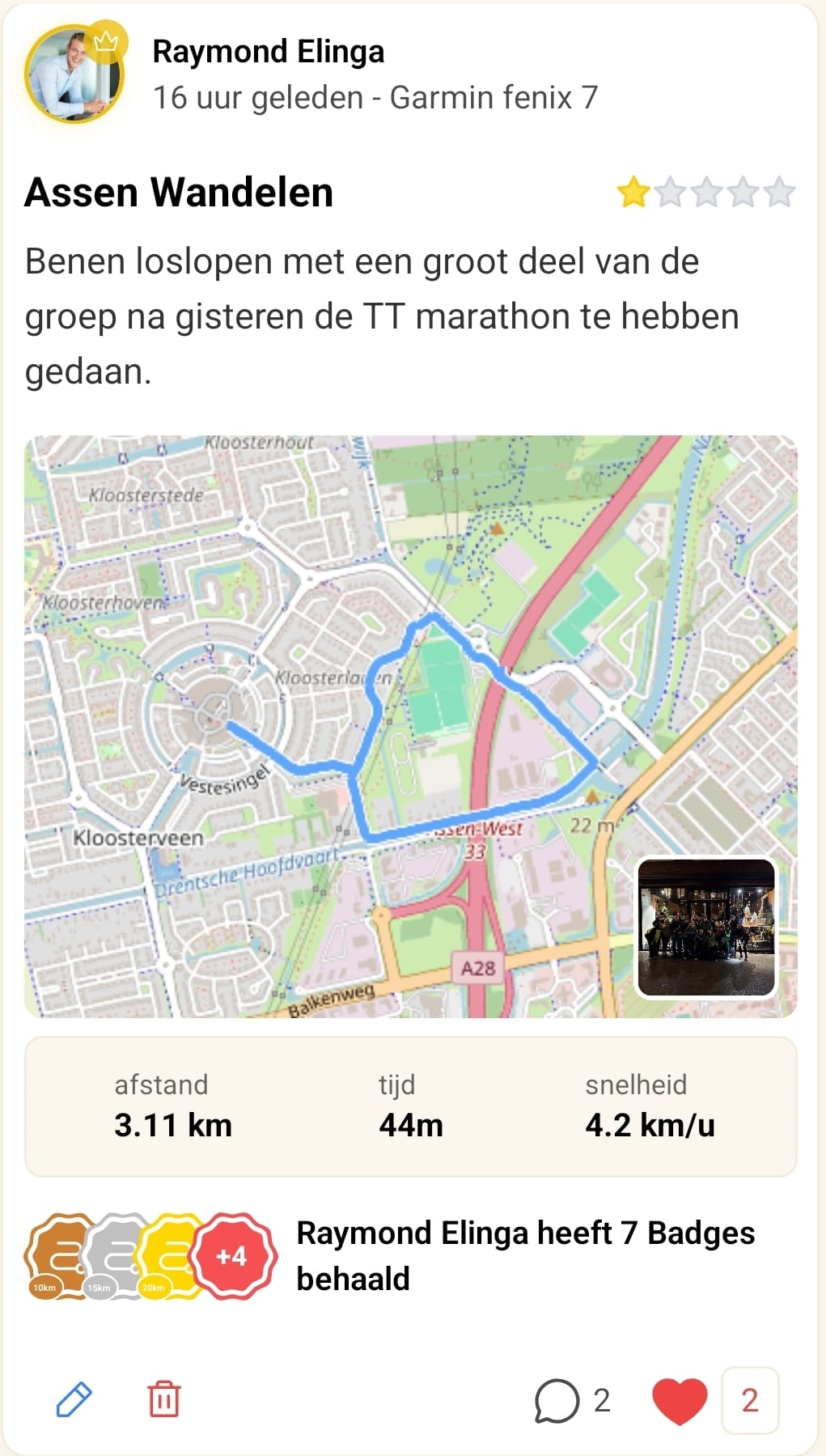
Synchronisation automatique
Démarrez votre activité sur votre montre Suunto et, dès qu'elle est synchronisée, elle apparaît automatiquement dans WandelWeb. Pas d'import manuel, pas de tracas avec les fichiers GPX.
Entièrement automatique
Les activités de marche, de course et de randonnée apparaissent d'elles-mêmes dans WandelWeb
Données historiques
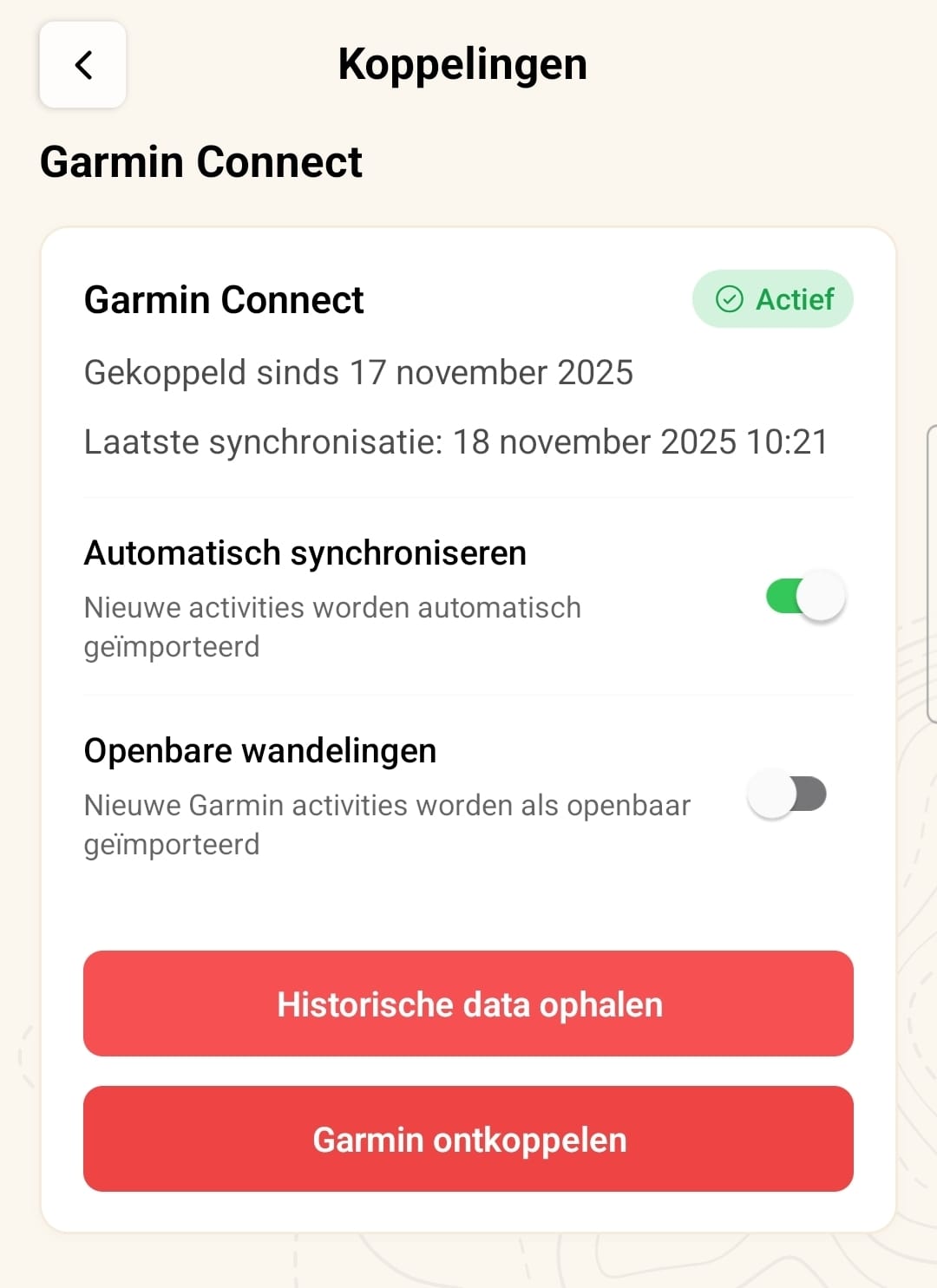
Récupérez une fois vos anciennes activités via Importer les données historiques
Uniquement les activités de marche
Nous importons la marche, la course et les sports similaires, pas le vélo ni la natation
Confidentialité maîtrisée
Choisissez si les activités importées sont visibles ou privées par défaut
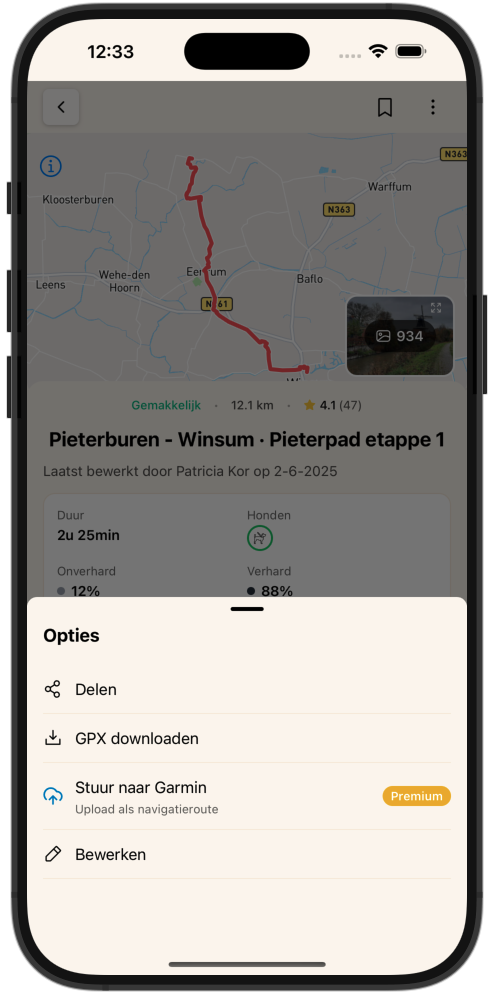
Envoyez des itinéraires vers votre Suunto
Envoyez n'importe quel itinéraire de notre base de données d'un simple geste depuis WandelWeb vers votre compte Suunto. Ouvrez ensuite l'application Suunto pour transférer l'itinéraire sur votre montre.
Un geste dans WandelWeb
Choisissez Envoyer vers Suunto dans le menu de l'itinéraire
Bibliothèque dans l'application Suunto
Retrouvez votre itinéraire sous Carte → Bibliothèque dans l'application Suunto
Vers votre montre
Appuyez sur Envoyer à la montre et naviguez depuis votre poignet
Tous les itinéraires WandelWeb
Choisissez parmi des milliers d'itinéraires aux Pays-Bas et en Belgique
Connecté en quelques minutes
Ouvrez l'application WandelWeb, accédez à votre profil et connectez Suunto. Vos données sont synchronisées de manière sûre et fiable entre les deux plateformes.
-
1
Ouvrez votre profil
Accédez à Profil dans l'application WandelWeb.
-
2
Accédez aux Connexions
Ouvrez Paramètres → Connexions.
-
3
Connectez Suunto
Appuyez sur Suunto et connectez-vous avec votre compte Suunto.
-
4
Donnez votre autorisation
Autorisez WandelWeb à gérer vos activités et itinéraires.
-
5
Terminé !
Votre compte est connecté et les activités se synchronisent automatiquement.
Pourquoi connecter Suunto ?
Une vue d'ensemble complète
Toutes vos randonnées au même endroit, qu'elles aient été enregistrées avec votre montre ou votre téléphone.
Données précises
Les montres Suunto fournissent des statistiques GPS fiables dans WandelWeb.
Économie de batterie
Utilisez votre montre pour le suivi et préservez la batterie de votre téléphone pour les photos et le reste.
Communauté et défis
Vos activités Suunto comptent pour les défis et badges WandelWeb.
Compatible avec toutes les montres de sport Suunto
Vous avez une montre Suunto avec GPS ? Vous pouvez alors enregistrer vos randonnées et les synchroniser avec WandelWeb, des modèles compacts aux montres outdoor robustes.
Prêt à connecter votre Suunto ?
Ouvrez l'application WandelWeb, accédez à votre profil et lancez la synchronisation. Cela ne prend que quelques minutes.




