

Connexion officielle avec Garmin Connect
Connectez votre compte Garmin Connect et synchronisez automatiquement toutes vos activités de marche avec WandelWeb. Officiellement approuvé par Garmin.
Synchronisation automatique
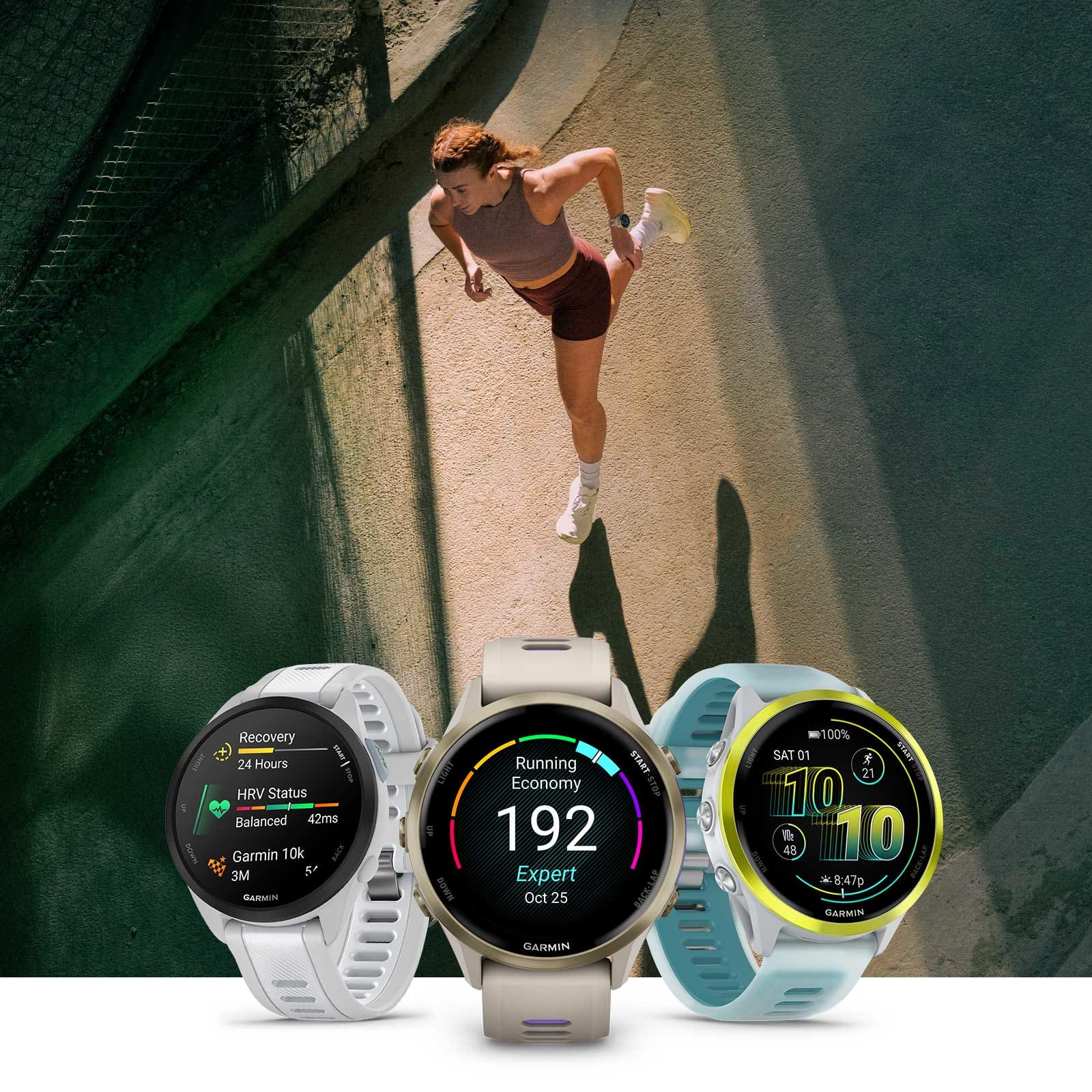
Lancez votre activité sur votre montre Garmin : dès qu'elle est synchronisée avec Garmin Connect, elle apparaît automatiquement dans WandelWeb. Pas d'envoi manuel, pas de tracas avec les fichiers GPX.
Entièrement automatique
Les nouvelles activités apparaissent d'elles-mêmes dans WandelWeb
Import rétroactif
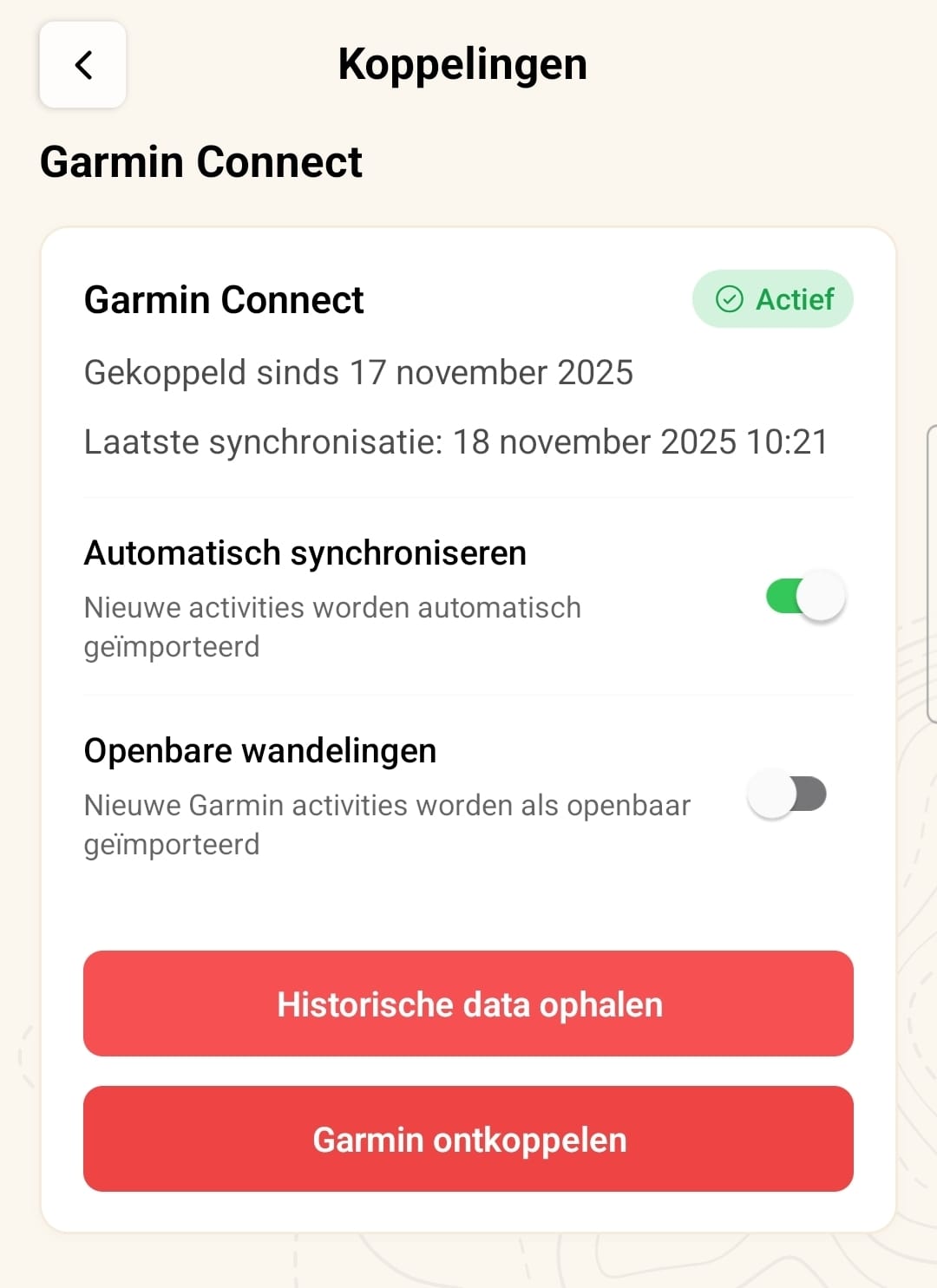
Importez aussi vos anciennes activités lors de la connexion, si vous le souhaitez
Les modifications sont aussi synchronisées
Modifiez votre titre ou votre description dans Garmin Connect et WandelWeb suit
Confidentialité maîtrisée
Choisissez si les activités importées sont visibles ou privées par défaut
Envoyez des itinéraires vers votre Garmin
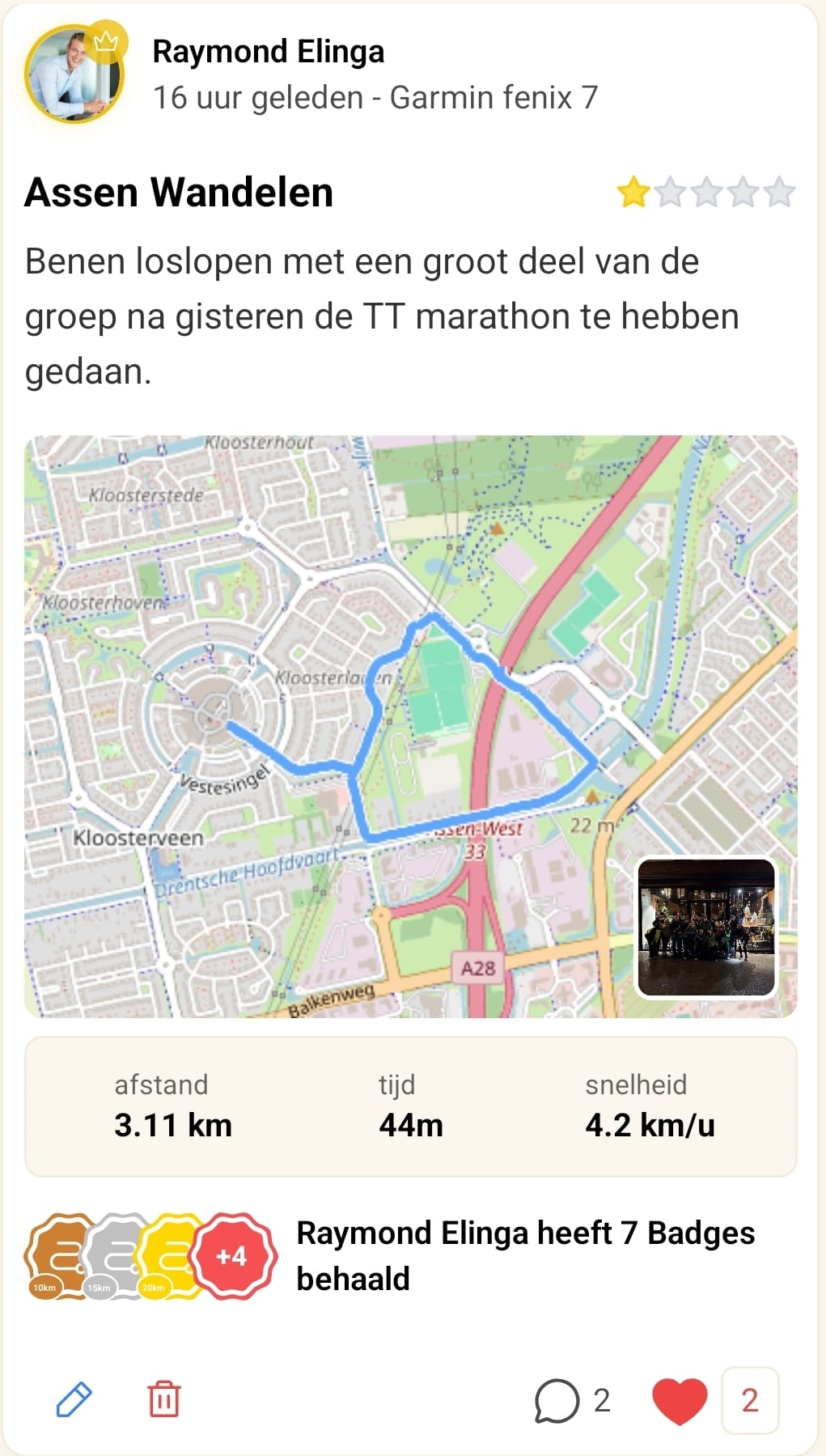
Envoyez n'importe quel itinéraire de notre base de données directement sur votre montre Garmin en un seul geste pour naviguer. Pas de fichiers GPX ni de tracas avec Garmin Connect — choisissez et partez.
Directement sur votre montre
Sélectionnez un itinéraire dans WandelWeb et envoyez-le directement à votre Garmin
Navigation étape par étape
Votre Garmin vous donne des instructions de navigation détaillées pendant la marche
Le téléphone dans la poche
Suivez l'itinéraire à votre poignet et économisez la batterie de votre téléphone
Tous les itinéraires WandelWeb
Choisissez parmi des milliers d'itinéraires aux Pays-Bas et en Belgique
Connecté en quelques minutes
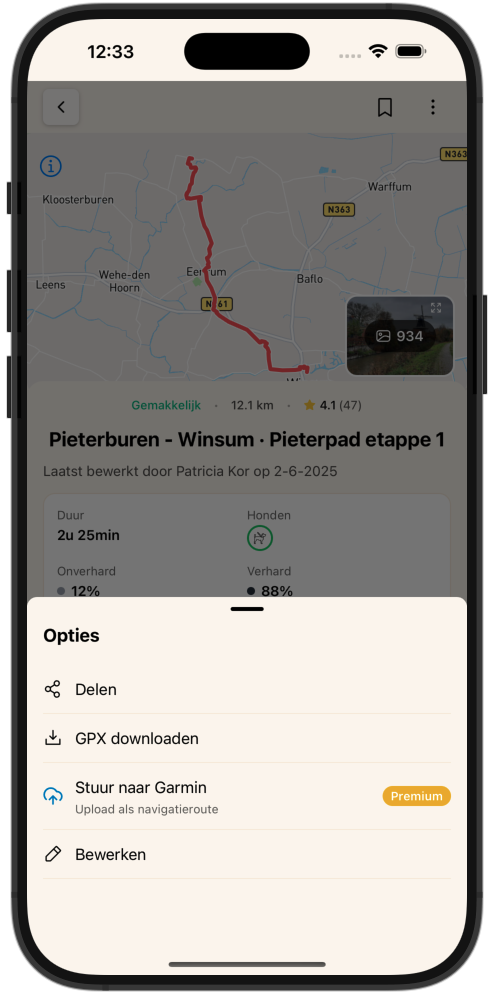
Ouvrez l'application WandelWeb, allez dans votre profil et connectez Garmin Connect. Vos données sont synchronisées de manière sûre et fiable entre les deux plateformes.
-
1
Ouvrez votre profil
Touchez les trois points en haut à droite pour ouvrir le menu.
-
2
Allez dans Connexions
Sélectionnez « Connexions » dans le menu.
-
3
Connecter Garmin
Touchez « Garmin Connect » et connectez-vous avec votre compte Garmin.
-
4
Choisissez vos préférences
Indiquez si vous souhaitez importer vos anciennes activités et réglez la confidentialité.
-
5
Terminé !
Votre compte est connecté et vos activités se synchronisent automatiquement.
Pourquoi connecter Garmin ?
Une vue d'ensemble complète
Toutes vos marches au même endroit, qu'elles aient été enregistrées avec votre montre ou votre téléphone.
Des données précises
Les montres Garmin sont réputées pour leur précision — des statistiques fiables dans WandelWeb.
Économie de batterie
Gebruik je horloge voor tracking en bewaar je telefoonbatterij voor foto's en meer.
Communauté & défis
Vos activités Garmin comptent pour les défis et badges WandelWeb.
Compatible avec tous les appareils Garmin
Que vous ayez une Forerunner, une Fenix, une Vivoactive, une Instinct ou un autre appareil Garmin — tant qu'il se synchronise avec Garmin Connect, il fonctionne avec WandelWeb.
Prêt à connecter votre Garmin ?
Ouvrez l'application WandelWeb, allez dans votre profil et lancez la synchronisation. Cela ne prend que quelques minutes.




